
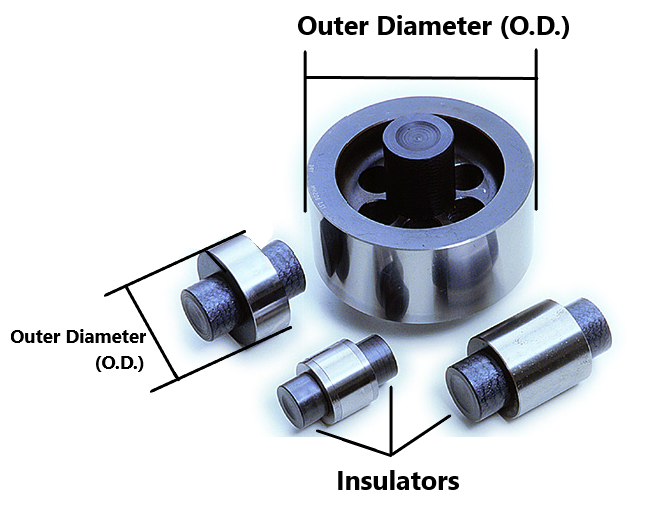
Master Setting Discs are very similar to Plain Plug Gages and are used primarily for calibrating inspection tools such as calipers and micrometers. They will be labeled with the Outer Diameter (O.D.) and often a Class (XX, X, Y, Z, or ZZ) and Brand. Because these tools can be very precise and susceptible to subtle changes in temperature, they come with Insulators on both sides which help to prevent the transfer of body heat from your hand to the gage while in use.
Master setting discs may sometimes be dipped in wax, which should be removed if it hinders the readability of labeling or does not look visually appealing. Wipe down the disc using a rag and WD-40. If there is any rust or residue you can use a Scotch-Brite pad, but be especially careful when cleaning the outside of the disc as we do not want to cause any scratches or damage. Wipe down with a dry rag to remove any finger prints or excess WD-40 before taking pictures.
Picturing Master Setting Discs
Click here for info on how to upload pictures
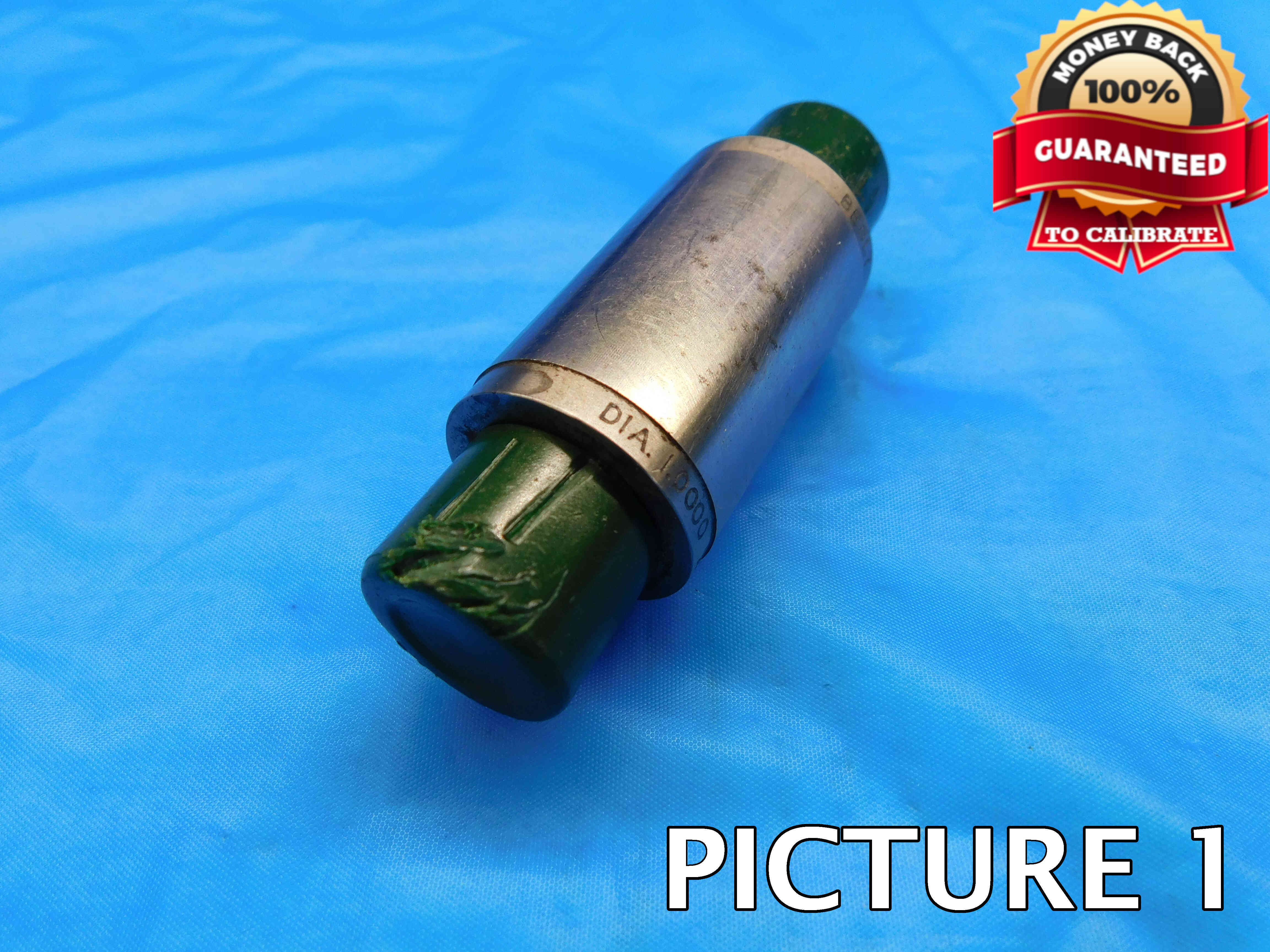
1st Picture: A three-quarters (or "3D") shot of the master setting disc. Make sure labeling is visible in this picture if possible.
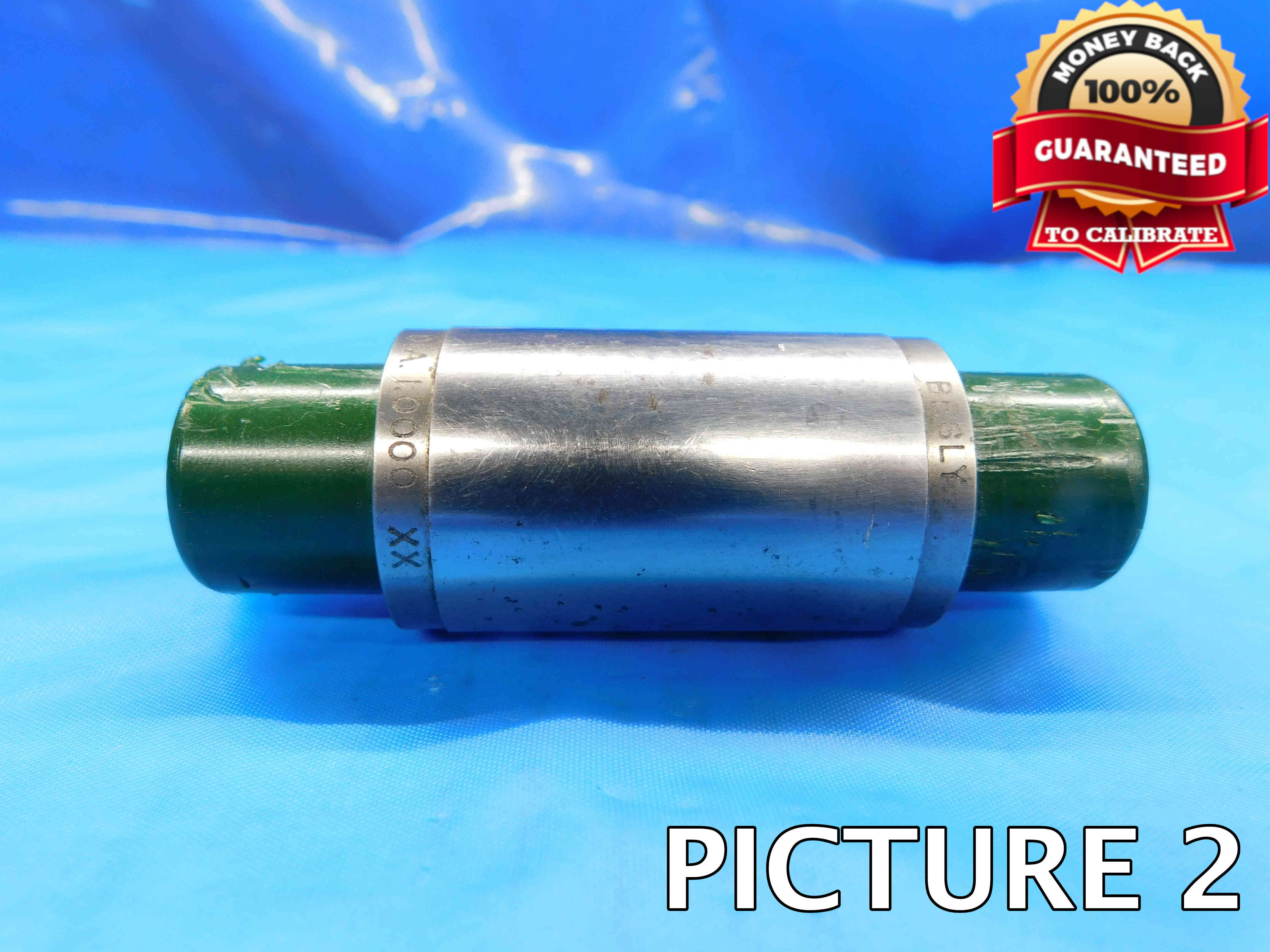
2nd Picture: A side view of the master setting disc.
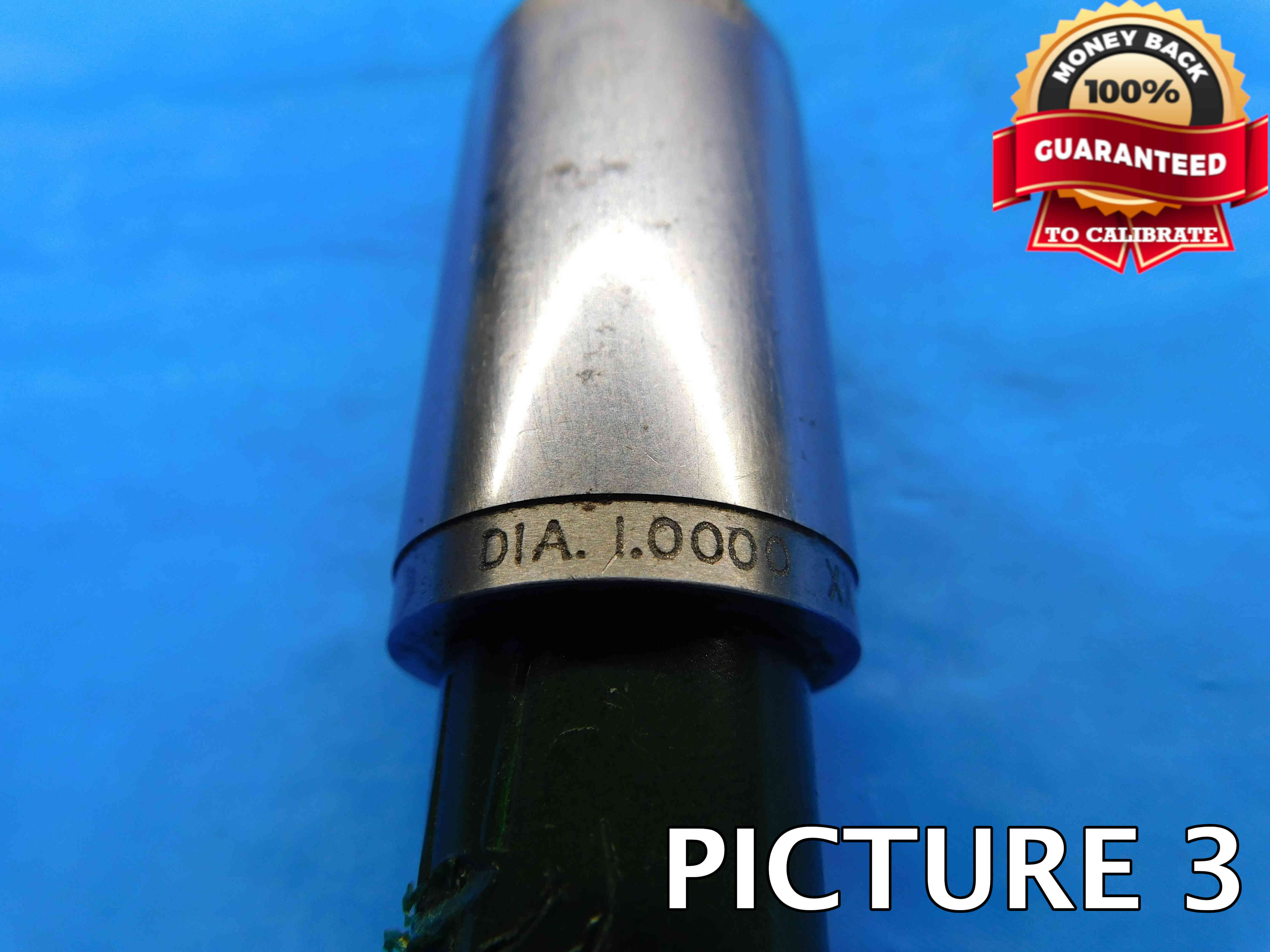
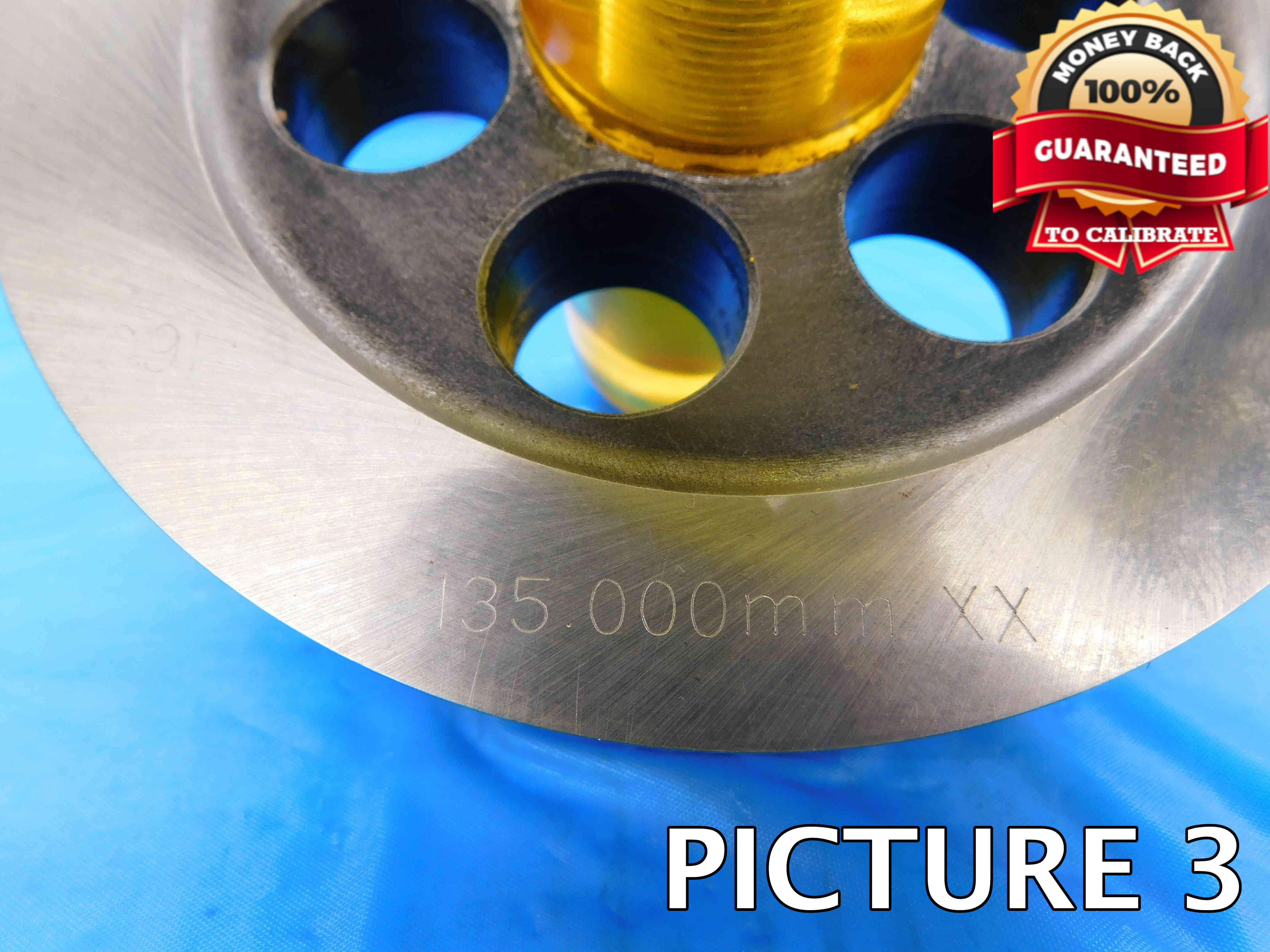
3rd Picture: A close-up shot of the labeling. Depending on the size of the setting disc and where the labeling is located, this may require more than one picture. In some cases, you may want to remove the insulator (they can usually be unscrewed fairly easily) in order to get a clearer picture of the labeling, such as in the second set of example pictures below.
Additional Pictures: Any damage or modifications must be clearly pictured. Use a pen to point to the damaged / modified areas. If you think you may need additional pictures for another reason, check with your trainer to see if they are necessary.
Please refer to the examples below:
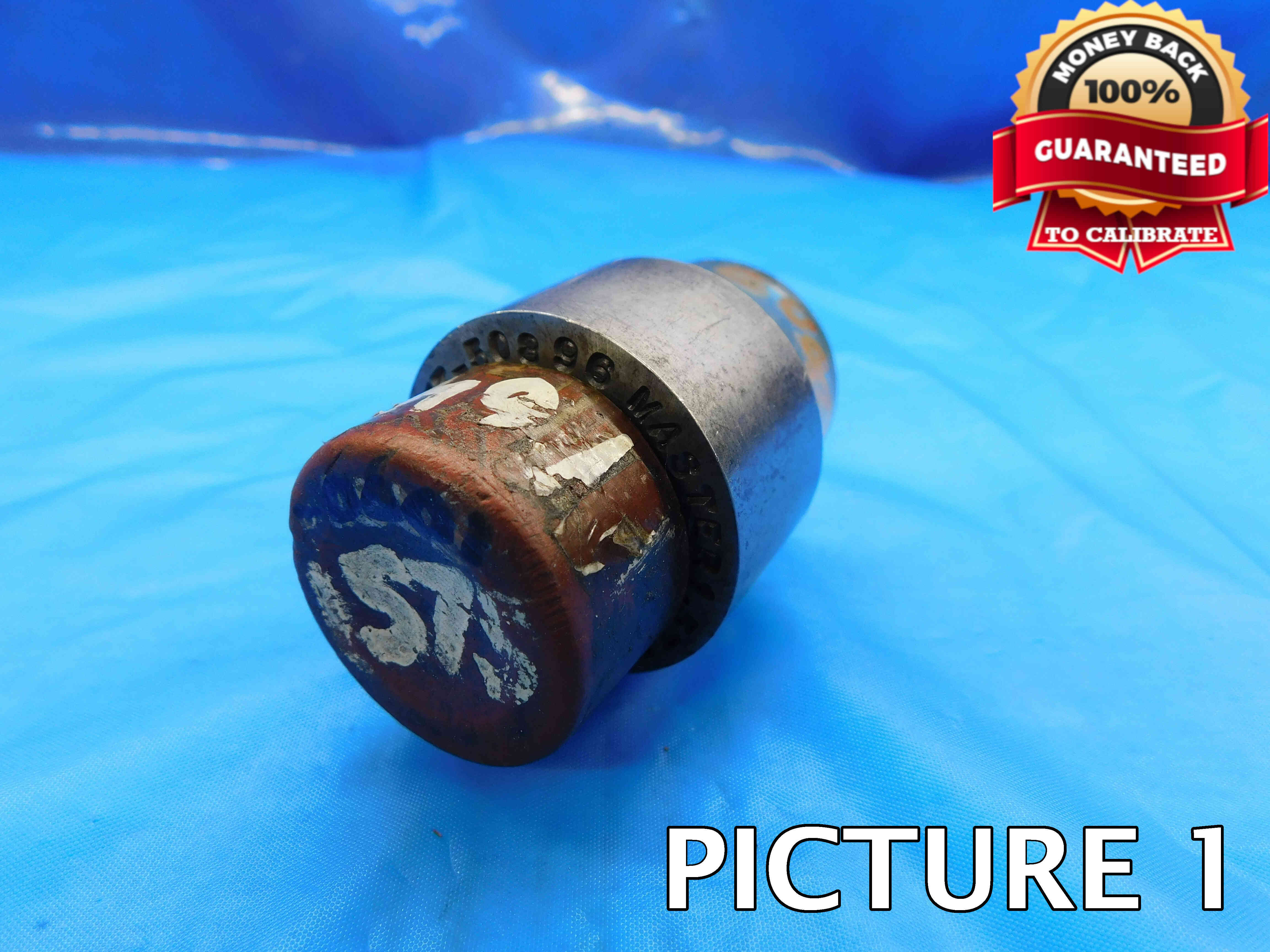
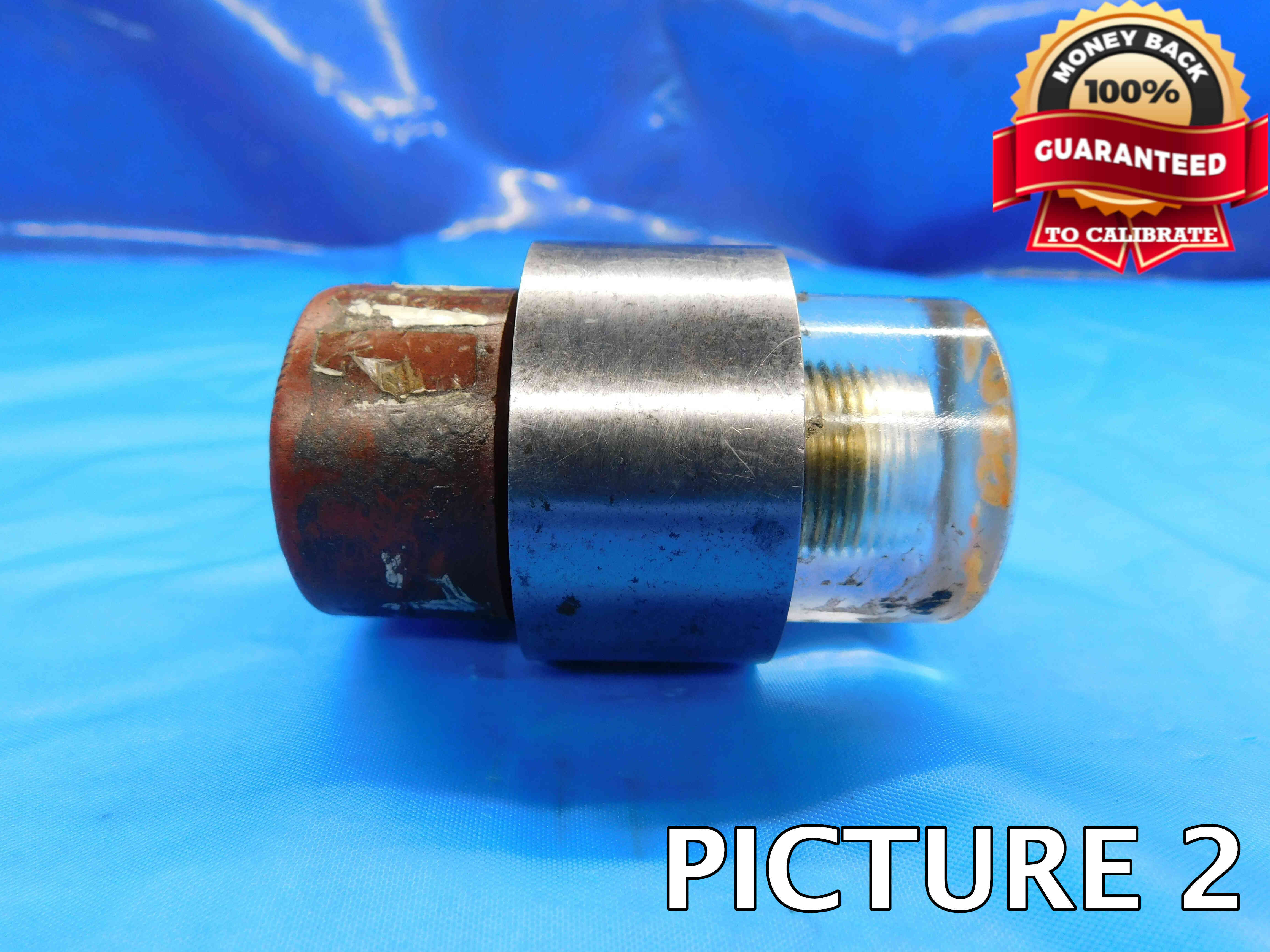
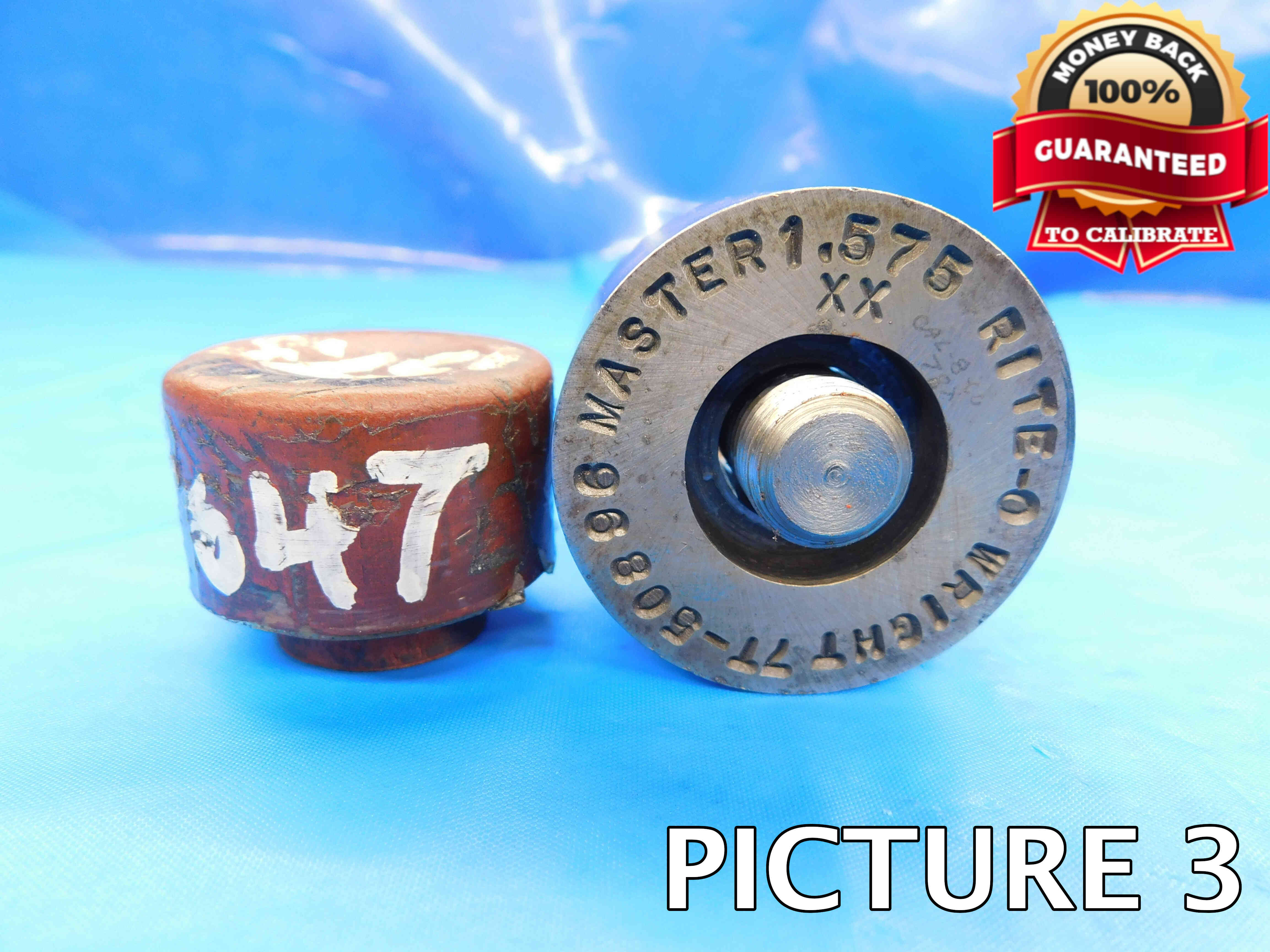
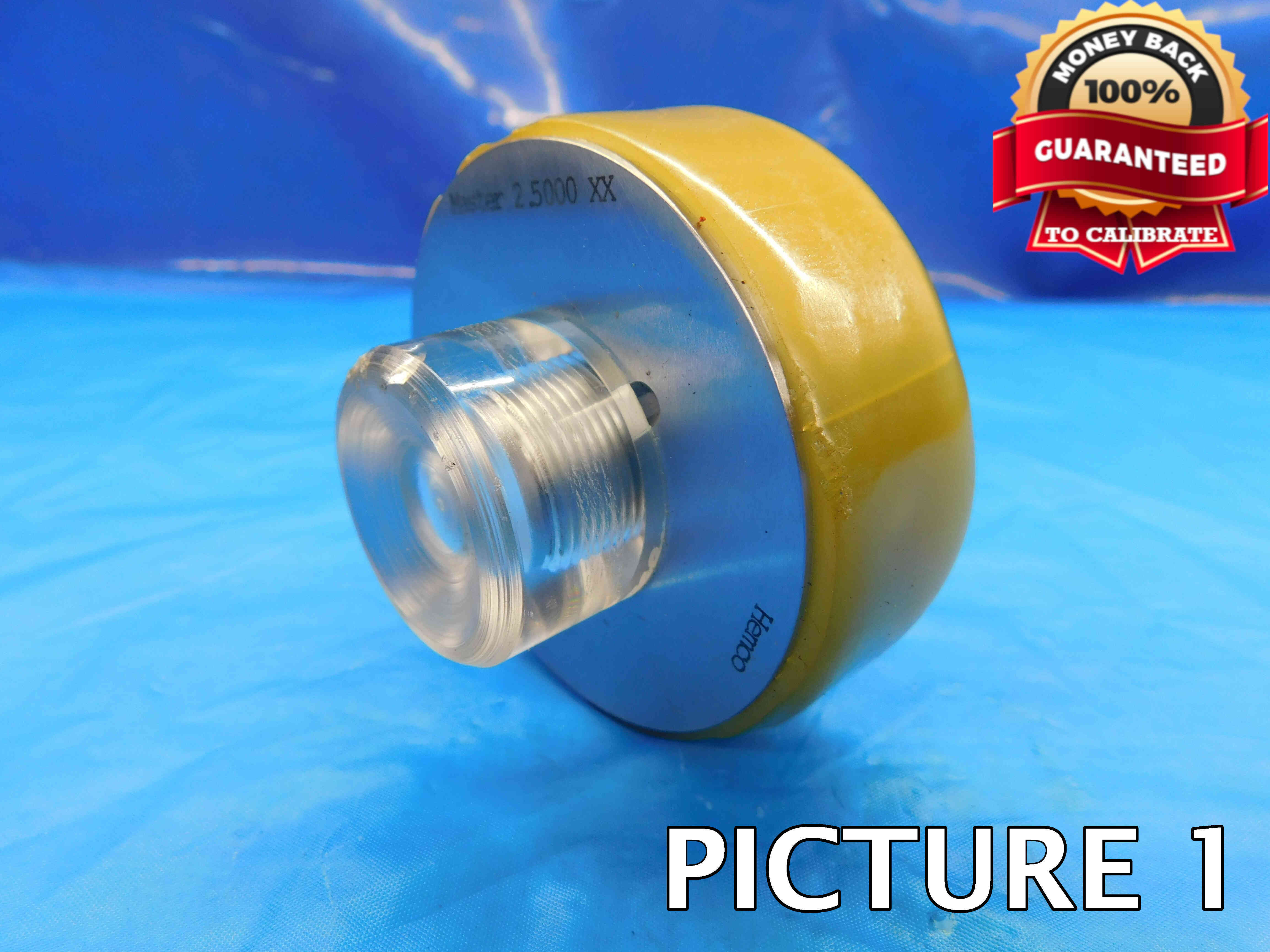
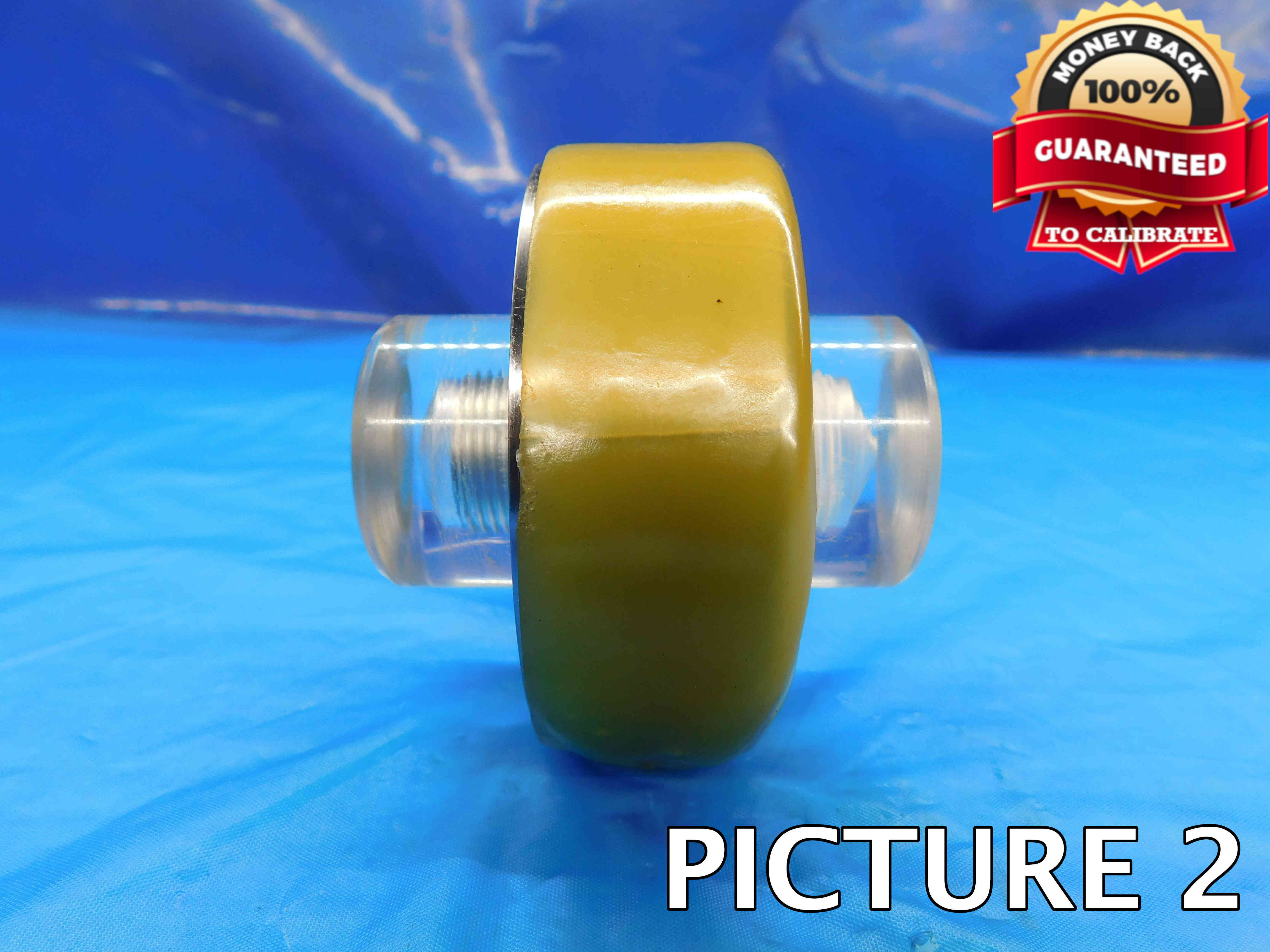
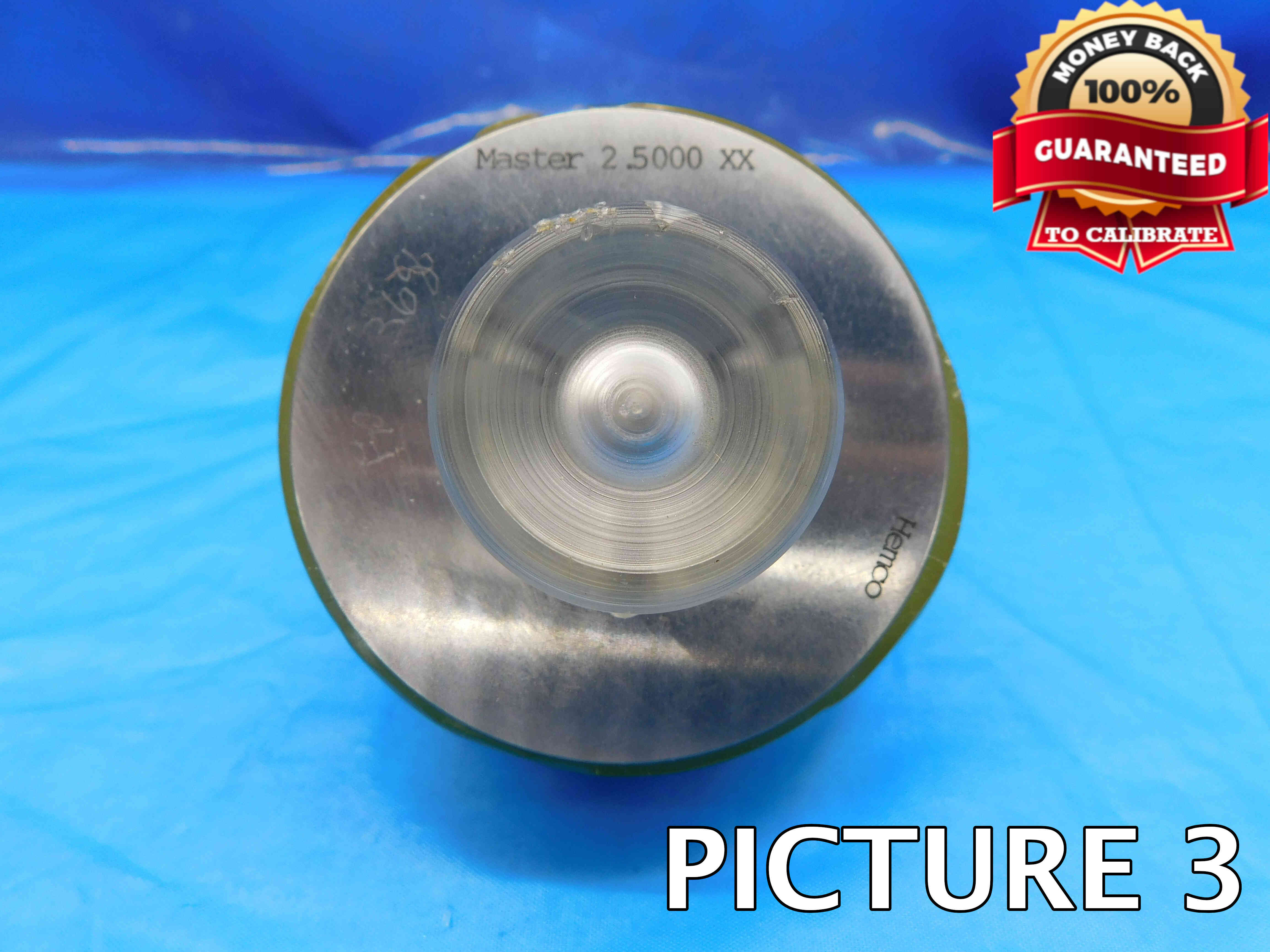
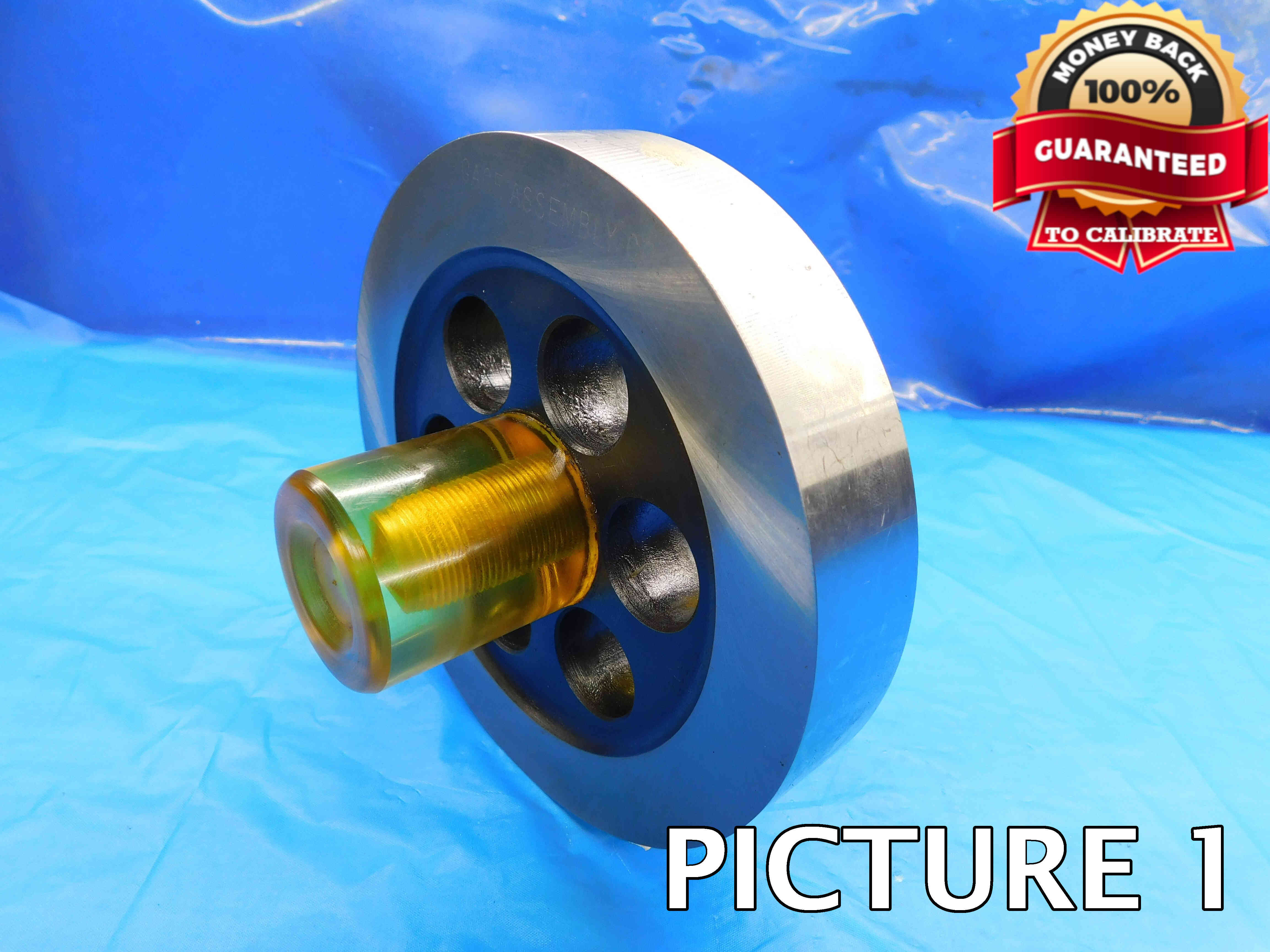
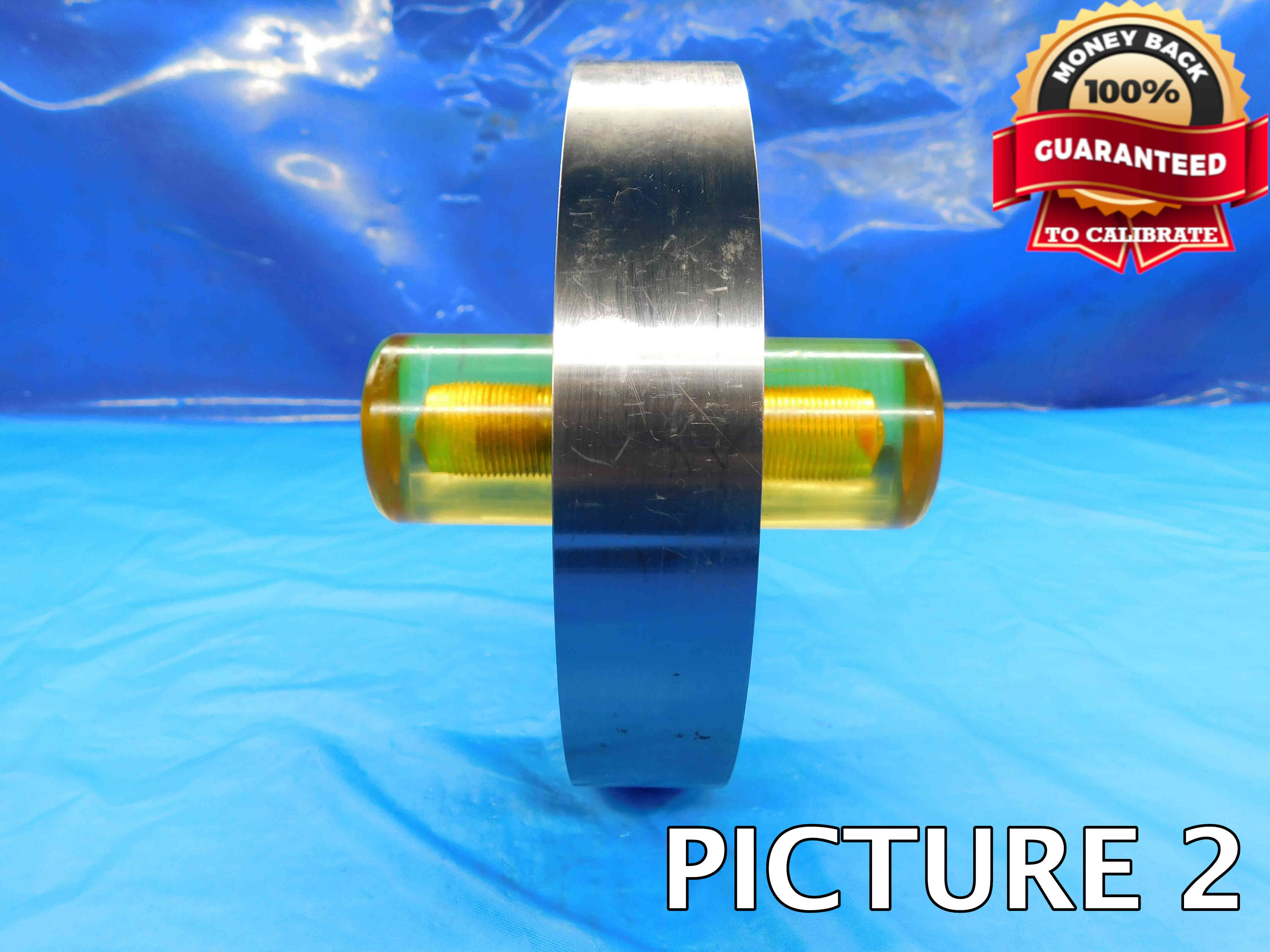
Watermarking Pictures
You have probably noticed in the example pictures above that master setting discs are watermarked with a "Money Back Guaranteed" badge just like plain plug gages. Refer to this guide for a step-by-step walkthrough of the picture renaming, watermarking, and uploading process if needed.
One brand to look out for is Vermont Gage, often abbreviated as VTG. These are more sought after due to their perceived higher quality and will often be worth more. If the setting disc does not have a labeled brand, click the "Unlabeled" button to the right of this cell. Make sure that this cell is not left blank, or the listing will not upload properly. Note: Items are often labeled with the country of origin (USA, China, Japan, Poland, etc). This should NOT be entered as the brand, and furthermore should not be included in the listing at all EXCEPT for USA which can be used as a filler.
It should be fairly obvious if a master setting disc is metric, since the size will almost always be labeled with an "M" or "mm". Simply enter the letter Y in this cell if the disc is metric, or an N if it is not metric. Entering a metric setting disc as non-metric (or vice-versa) will lead to incorrect pricing and other errors so always double check that this is correct.
The Outer Diameter is the most important aspect of a master setting disc. This information will always be labeled for you and should be entered exactly as it appears on the item - do not round, add or remove extra zeroes, or make any other changes to the labeled size.
A setting disc's Class refers to its tolerance - in other words, how far in either direction the actual O.D. measurement can vary from the labeled size. This a very small number (as low as .00001") which is represented by a letter - XXX, XX, X, Y, Z, or ZZ, with XXX being the smallest allowable variance and ZZ being the largest.
The class may be notated in the labeling along with the word "Class", the abbreviations "CL" or "Tol" (Tolerance), or just the class letter(s) by itself. If the class is not labeled, this should be left blank as there is otherwise no way for us to determine this information with the tools we have on hand.
While most master setting discs are made from tool steel, you may occasionally encounter one that is made from carbide. Carbide is much harder than steel and is preferred for certain applications due to its increased resistance to wear and heat.
Carbide has a darker, less shiny appearance than steel and is much heavier, which will usually be the most obvious indication that an item is carbide. Contact your trainer if you are not sure whether or not a master setting disc is carbide.
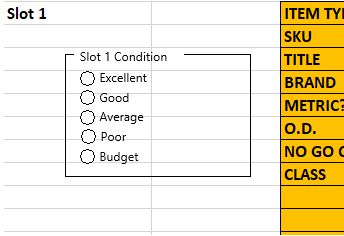
Every slot has a Condition box as shown in the picture above. When listing master setting discs, always select one of these five conditions - this will impact the pricing of the gage, and there can often be a big difference in price range from Excellent to Budget.
This is a mostly subjective decision which does not necessarily have one correct answer. The most important thing to consider is the condition of the disc O.D. itself - damage to the insulators, or rust / scribing on the face should also be taken into consideration, but are not quite as important. Contact your trainer for guidance if you are not sure about the condition of a master setting disc.
The "Filler" section is used to add other relevant information to the title which is not covered by the other sections. Master setting discs typically do not require any fillers, but you may occasionally run into special items with uncommon properties that need to be added to the listing.
General fillers that can be added to any master setting disc with extra title space include "Inspection", "Check", "Calibration".
Keep in mind that titles have a maximum of 80 characters, and if you are adding important fillers you may need to manually remove some information from the title in order to make room. Contact your trainer if your title is over 80 characters and you are not sure what to remove.
Additional Specifications & Special Condition
The Additional Specifications section is used for any secondary labeling or additional measurements that do not fit in the other sections of the listing. For the vast majority of master setting discs you will not need to enter anything here, but if there is ever any special aspect of the item that needs to be described this is the place to do so.
The Special Condition section should be used for any special notes about the item's condition such as damage or modification. Try to be specific when describing the condition, and reference pictures that point out the damage / modification if applicable. Like the Additional Specifications section, for most master setting discs this section will be left blank.
Once all information is entered, click here for the next steps.